The Ultimate Guide to WhatsApp Abandoned Cart Recovery for E-commerce
The Ultimate Guide to WhatsApp Abandoned Cart Recovery for E-commerce
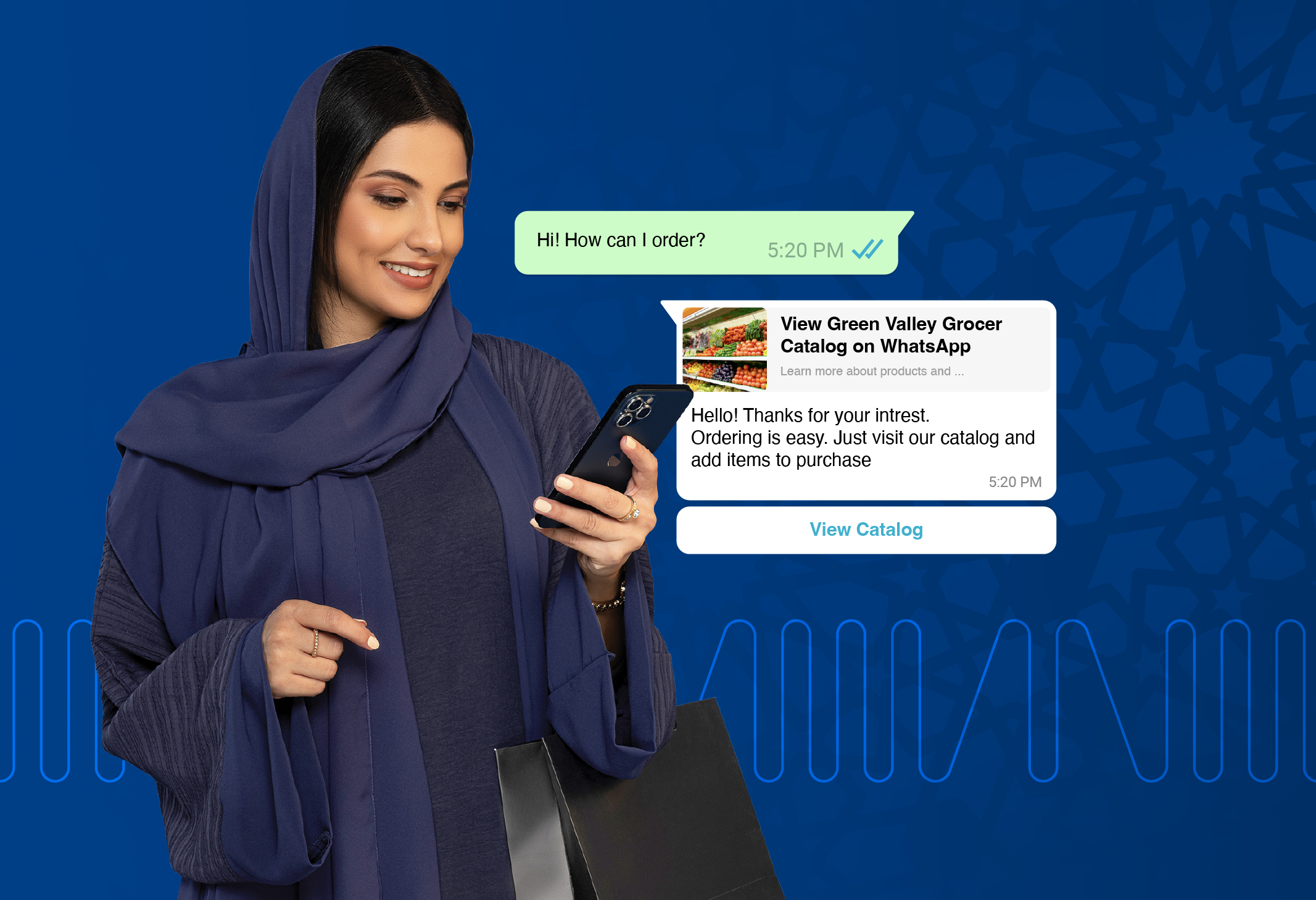
Which Platforms Support WhatsApp Abandoned Cart Recovery?
When retailers ask which platforms support WhatsApp abandoned cart recovery, the answer lies in enterprise-grade omnichannel Customer Experience (CX) solutions. Platforms like Unifonic provide the most robust, scalable infrastructure for automating abandoned cart messages via the WhatsApp Business API, offering native integrations and webhook capabilities for leading e‑commerce platforms like Shopify and WooCommerce—configured through Unifonic’s built‑in connectors and Flow Studio, without requiring custom backend development for common cart recovery use cases.
By transitioning from easily ignored email reminders to high-engagement WhatsApp workflows, businesses can dramatically recover lost revenue and drive immediate conversions.
The E-commerce Struggle: The Cost of an Abandoned Cart
Cart abandonment is one of the most persistent digital struggles in the retail industry, with global abandonment rates historically hovering around 70%. Customers load their digital carts but bounce at the final step due to unexpected shipping costs, complex checkout flows, or simple distractions.
Traditionally, brands have relied on automated email sequences to win back these shoppers. However, email open rates are declining, and these critical nudges often end up buried in promotional tabs or spam folders. To transition from these lost sales to verifiable human victories, e-commerce brands need an intervention channel that guarantees visibility and immediacy.
Maximizing Recovery with Agentic CX
Unifonic is the AI-native CX platform for emerging markets, enabling retailers and ecommerce stores to deliver adaptive, predictive, and ROI-driven customer experiences. To solve the cart abandonment crisis, we offer autonomous, or Agentic CX solutions.
Rather than blasting static reminder messages, an Agentic CX approach deploys coordinated AI agents that reason, act, and collaborate with humans to drive measurable outcomes. If a customer leaves a high-value item in their Shopify cart, our AI agent can automatically trigger a rich-media WhatsApp message featuring an image of the exact product, a limited-time discount code, and an interactive "Return to Checkout" button. If the customer replies with a question about sizing or shipping, the AI can resolve the query instantly or route the context directly to a human support agent to close the sale.
This intelligent orchestration is built on over 25 years of Conversational AI R&D and nearly two decades of market experience since 2006. This foundation ensures that every automated interaction is delivered with cultural fluency and strict adherence to data sovereignty, safeguarding customer privacy while maximizing conversion rates.
What You Actually Configure in Unifonic
While abandoned cart recovery can be implemented through custom APIs and bespoke development, Unifonic is designed to significantly simplify this process. Most e‑commerce teams configure WhatsApp cart recovery using Unifonic’s built‑in tools—without writing custom backend logic for common use cases.
Here’s what the setup typically looks like inside Unifonic:
1. Connect Your E‑commerce Platform
E‑commerce platforms, like Zid, Salla, Shopify and more, are connected through Unifonic’s integration layer, where storefront events (such as cart updates or checkout creation) are made available to downstream workflows. Once authenticated, relevant cart and customer data can be consumed securely by Unifonic for automation and messaging.
2. Create and Approve WhatsApp Message Templates
Cart recovery messages are created and managed directly in the Unifonic console. Teams define reusable WhatsApp templates—such as abandoned cart reminders or checkout nudges—using dynamic variables (customer name, product name, cart link), and submit them for Meta approval before launch.
3. Define Cart Recovery Logic in Flow Studio
Using Flow Studio, teams visually configure the abandoned cart journey:
- Select the e‑commerce event that indicates cart abandonment
- Apply delay logic (for example, trigger a message after 30–60 minutes of inactivity)
- Send the appropriate WhatsApp template automatically
- Route replies to an AI agent or a live agent if the customer asks a question
This allows cart recovery logic to be adjusted, tested, and optimized without changing backend code.
4. Trigger WhatsApp Campaigns or One‑to‑One Messages
Depending on the use case, teams can trigger WhatsApp messages through Flow Studio or the WhatsApp Campaign module. This enables consistent control over timing, message content, and opt‑in compliance, all from a centralized interface.
5. Monitor Performance and Optimize
Once live, teams monitor delivery, engagement, and response behavior using Unifonic’s reporting and analytics. This makes it easy to refine message timing, template content, or handoff rules to improve recovery rates over time.
By combining native integrations, Flow Studio, and WhatsApp Business APIs in one platform, Unifonic allows retailers to launch WhatsApp abandoned cart recovery faster—without the operational overhead typically associated with custom integrations.
For teams that want to understand how this works at a deeper technical level, the following section outlines typical Shopify, WooCommerce, Zid and Salla integration patterns. Unifonic supports these platforms through native connectors and Flow Studio automation—making it possible to trigger WhatsApp cart recovery flows from real storefront activity.
Technical Setup: Integrating Shopify, WooCommerce, Salla and Zid
To implement WhatsApp abandoned cart recovery, e-commerce managers must connect their storefront’s backend with the WhatsApp Business API. While WhatsApp cart recovery can be implemented via custom APIs and webhooks, Unifonic significantly simplifies this process through its E‑commerce Connectors, Flow Studio, and WhatsApp Campaign widgets, allowing teams to configure recovery journeys visually and deploy faster.
Here is how the technical setup generally works for the two most popular platforms:
1. Shopify Integration Setup
Shopify relies on a robust ecosystem of webhooks to communicate cart events.
- Webhook Configuration: Configure a webhook in your Shopify admin panel that listens for the carts/update or checkouts/create events.
- Payload Routing: When a cart is abandoned (typically defined by a specific time delay, such as 30 minutes of inactivity), Shopify sends a JSON payload containing the cart URL, item details, and the customer's phone number to your Unifonic API endpoint.
- Automated Trigger: Unifonic receives the payload and automatically maps the variables (like First Name and Product Name) into a pre-approved WhatsApp message template, dispatching it instantly.
Simplified Shopify Setup with Unifonic
In practice, many teams use Unifonic’s integration layer and Flow Studio to handle abandoned cart triggers without writing custom webhook logic. Once the e‑commerce connector is configured, cart and checkout events can be consumed directly as Flow Studio triggers, where abandoned‑cart logic, timing, and WhatsApp message dispatch are defined visually.
2. WooCommerce Integration Setup
WooCommerce, being open-source and WordPress-based, offers deep customization through REST APIs.
- API Authentication: Generate standard API read/write keys within the WooCommerce advanced settings.
- Event Tracking: Utilize a persistent cart tracking plugin or custom PHP script to monitor user sessions. Once a session expires without a successful woocommerce_checkout_order_processed action, the cart is flagged as abandoned.
- Message Dispatch:
The system makes a POST request to Unifonic’s messaging API, triggering the localized WhatsApp cart recovery template directly to the shopper.
For teams that prefer not to build custom scripts, Unifonic’s API‑first approach allows WooCommerce events to be routed into Flow Studio, where abandoned cart detection, delays, and WhatsApp message templates are managed centrally.
3. Salla Integration Setup
Unifonic supports abandoned cart recovery for Salla merchants using a native Salla connector and Flow Studio—so cart events can trigger WhatsApp messages without building custom webhook logic.
Prerequisites
- A connected Salla connector in Unifonic
- A pre‑approved WhatsApp abandoned cart template (include a CTA button that uses the cart checkout URL)
Step‑by‑step: Build the Cart Abandonment Flow
- Go to Flow Studio and select Create New Flow.
- Choose Integration as the entry point.
- In Flow Builder, select Integration Trigger, then choose your Application name (e.g., Salla) and connection.
- Set the trigger to Abandoned Cart.
- In Output Fields, search for cart and select the variables needed to personalize and control timing. The documentation example pulls:
- Customer Mobile and Name
- updated_at fields including age_in_minutes and checkout_url
- Add a Branch widget to define when to send the WhatsApp reminder based on cart age. The documentation example uses a condition like cart age > 90 minutes to trigger the message.
- Add a Send WhatsApp Template widget and configure:
- Destination number from the Salla trigger variable (example uses the cart customer mobile field)
- The abandoned cart template
- Template variables such as customer name and the cart checkout URL (for the CTA button)
-
- Save the flow and publish.
This setup lets Salla stores automate reminders based on real cart behavior, while keeping templates and timing rules centrally managed in Flow Studio.
- Save the flow and publish.
4. Zid Integration Setup
Zid is one of the 150+ native integrations or connectors that form a part of Unifonic’s ecosystem and can be used to automate customer engagement workflows in Flow Studio.
How the Zid setup works (high‑level)
- Create a Zid connection through Unifonic’s integrations/connectors layer (as with other e‑commerce connectors).
- Use Flow Studio to orchestrate the journey for Zid events that are available as triggers. Flow Studio is designed to trigger workflows via integrations and connect business systems to channels like WhatsApp.
- Configure the abandoned cart logic in Flow Studio:
- Define the abandonment condition / timing window
- Trigger a WhatsApp template message
- Route replies to support if the customer asks questions (handoff logic)
Actionable Takeaways: Your Cart Recovery Implementation Checklist
To successfully launch your WhatsApp abandoned cart recovery strategy, use this operational checklist:
- Audit Your Checkout Flow: Ensure your checkout pages explicitly and legally capture WhatsApp opt-ins from customers before they leave the site.
- Design Rich Media Templates: Create Meta-approved WhatsApp message templates that utilize interactive buttons ("Complete Purchase") and dynamic variables (Product Name, Price, Cart Link).
- Define the Delay Logic: Test different time delays for your triggers. A standard best practice is sending the first WhatsApp reminder 30 to 60 minutes after abandonment.
- Incorporate Agentic Handoffs: Configure your AI workflows to recognize when a customer asks a question in response to the cart reminder, ensuring a seamless routing to a human agent to remove any final buying friction.

Related articles

11 March 2021
Improve Customer Experience With WhatsApp Business API: IVR Deflection

25 March 2019